Shopping Cart (0)
Close


No products in the cart.
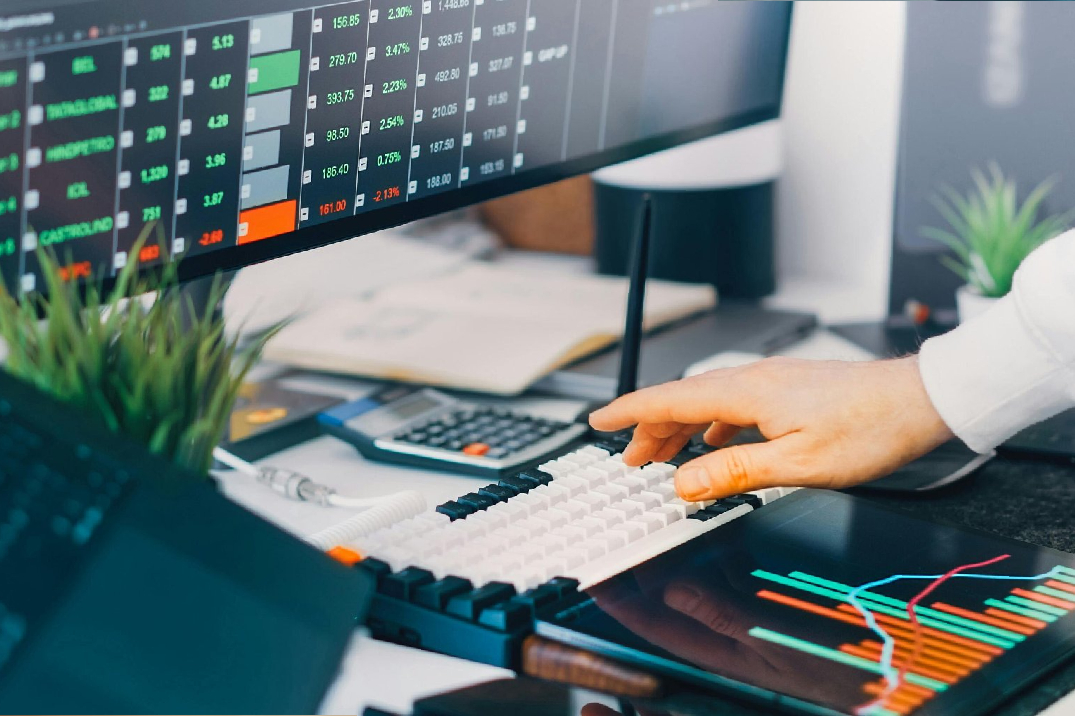
Traders require screen space that provides them with both visual comfort and adequate space to work. In the UAE that decision also includes local stock, AED pricing, and fast warranty service.
The guide provides essential information about trading display requirements that traders need to consider when operating in Dubai and Abu Dhabi and Sharjah and throughout the Emirates.
This blog contains short paragraphs for you to easy navigate through the contents in selecting the right sizes, practical multi screen arrangements, UAE buying tips, and a short checklist so you can buy with confidence.
For more gadget guides and UAE focused buying tips, check out Gadgetly, we publish hands on reviews and local retailer comparisons.
Trading is a visual job: charts, order tickets, news feeds, and watchlists all compete for attention.
A proper monitor configuration enables users to maintain visibility of essential windows while decreasing the need for window changes and protecting their eyes from fatigue. The incorrect screen dimensions and display settings, together with inadequate workspace design, require users to adjust their screens repeatedly, which results in productivity loss.
The correct specifications and arrangement of your workspace will enable you to identify patterns more quickly while experiencing improved work performance.
Keep this short checklist handy:
Workspace (size + resolution): More pixels let you fit additional charts. For many traders, two 27 inch QHD monitors or a 34″-49″ ultra wide are the most useful.
Panel technology: IPS is the usual choice for clear text and consistent colours across angles.
Connectivity: Look for DisplayPort, HDMI and preferably USB C/Thunderbolt if you use a laptop or docking station.
Ergonomics & mounting: Adjustable height, tilt and VESA compatibility matter for long sessions.
Local warranty & service: Buying from authorised UAE sellers reduces downtime if repairs are needed.
Match your monitors: Using identical models makes window tiling and visual balance much simpler.
Two matched screens with 27 inch QHD display provide sufficient screen space to meet desk requirements without exceeding the limits of most workspaces. Use one for active charts and the other for order flow, news, and research tabs. Rotate a side monitor to portrait to view long watchlists.
An ultra wide removes the bezel gap and offers an uninterrupted horizontal workspace. A 34 inch ultra wide is great for 3 chart panels; a 49inch 5120×1440 replaces two screens and can show 4+ charts side by side. Ensure your desk depth and viewing distance fit the larger screen.
Power users often use a large center display (27″- 34″) plus two smaller side monitors for chat, tickers and news. This setup demands a bigger desk and a GPU capable of driving multiple outputs but gives the greatest situational awareness.
27″ QHD (2560×1440): Excellent pixel density for legible numbers and multiple windows.
34″-38″ ultra wide (3440×1440): Wide but still fits many desks; good for layouts with several charts.
49″ super ultra wide (5120×1440): Top choice if you want one continuous workspace and have the budget/desk space.
4K 27″-32″: Extremely sharp, but 27″ 4K often needs OS scaling to keep text readable check scaling behaviour in your OS.
Refresh rate & response time: Not critical for trading; prioritize resolution and ergonomics over high refresh rates unless you also game.
Stock & delivery times vary: Always confirm in store availability if you want to test a model.
Final AED price matters: Compare totals after VAT (typically 5%), shipping and any import fees.
Authorised resellers ease RMAs: Local authorised dealers shorten repair times compared with imported purchases.
Returns on large screens: Ultra wides and very large displays can be expensive to return; check the seller’s restocking policy.
Local retailers, such as large electronics chains and online marketplaces, usually list whether a seller is authorised and whether warranty is local. That information can save you days of downtime if an RMA becomes necessary.
Match resolution and height: Identical panels avoid awkward scaling and eye fatigue.
Use monitor arms: They save desk space and make precise alignment possible.
Confirm GPU outputs: Driving two QHD screens or a 5120×1440 ultra wide may require multiple DisplayPort outputs or a USB C/Thunderbolt dock.
Adjust OS scaling: Make sure numbers and tickers are readable; 4K often needs 125-150% scaling on Windows for clarity.
Protect your eyes: Use low blue modes, reduce excessive brightness, and position monitors to eliminate glare.
Entry (≤ AED 1,500): Two 24″-27″ 1080p or basic 1440p IPS monitors, good for beginners or secondary screens.
Midrange (AED 1,500-4,000): Two 27″ QHD panels or a solid 34″ ultra wide, the sweet spot for most traders.
Premium (AED 4,000+): 49″ ultra wides, 32″ 4K monitors with Thunderbolt docking, or high end professional displays. Buy these from authorised UAE sellers for faster warranty support.
Model (short) | Type / Size | Why traders buy it | Approx. UAE price (AED) |
Samsung Odyssey Neo G9 (G95NC) | 49″ / 5120×1440 (32:9) curved | Massive continuous canvas for multiple charts; curved reduces eye travel | AED 7,500-10,500 |
Dell UltraSharp U2725QE | 27″ / 4K (Thunderbolt hub) | Business features: USB-C/Thunderbolt dock, sharp text, great as central hub | AED 2,600-3,000 |
LG 34WN / 34″ ultra wide models | 34″ / 3440×1440 | Midrange ultra wide that fits many desks; good for 3 chart layouts | AED 1,800-3,600 |
BenQ / ASUS 27″ QHD models | 27″ / 2560×1440 IPS | Reliable midrange panels for matched dual setups, good value | AED 900-2,200 each |
ASUS ProArt 32″ / Dell 32″ business | 32″ / QHD-4K | Large canvas with factory calibration and strong ergonomics, good if you also edit or design | AED 2,500+ |
Budget 24″-27″ IPS pair | 24″-27″ / 1080p-1440p | Entry setups for new traders; cheaper to buy matched pairs locally | AED ≤ 1,500 total |
Check the size of your desk and monitor size.
Check whether your computer or graphic card supports the output for the desired resolution and refresh rate.
Check whether the seller is authorized and warranty is applicable in UAE.
For large monitor sizes, check return and delivery policies.
For large monitor sizes or multiple monitor setup, consider purchasing a monitor arm.
A: Two 27 inch QHD monitors are a practical balance of space and clarity. If you want a single canvas, a 34inch – 49inch ultra wide is the alternative.
A: Local purchases offer customers faster warranty support and simpler return processes. Importing can save money but may increase RMA time and shipping complexity.
A: Check whether your laptop supports USB C/Thunderbolt video out or has DisplayPort/HDMI ports that can handle the monitor resolution. A Thunderbolt dock often solves multi monitor needs.
A: It depends on the workflow. Ultra wides remove bezels and simplify window management; dual monitors give physical separation and portrait rotation options.
A: Match brightness to ambient light, enable low blue modes, use anti glare screens if needed, and take regular breaks to rest your eyes.
ABOUT US
Gadgetly is an IT trading company based in the UAE supplying computer systems, networking products, peripherals, and technology accessories across the region. Through our online platform, customers can source genuine IT products with reliable delivery options and competitive pricing.

Gadgetly ©2026 . All Rights Reserved. TL No – 2306964
Get an instant 10% off on 1st Purchse