Shopping Cart (0)
Close


No products in the cart.
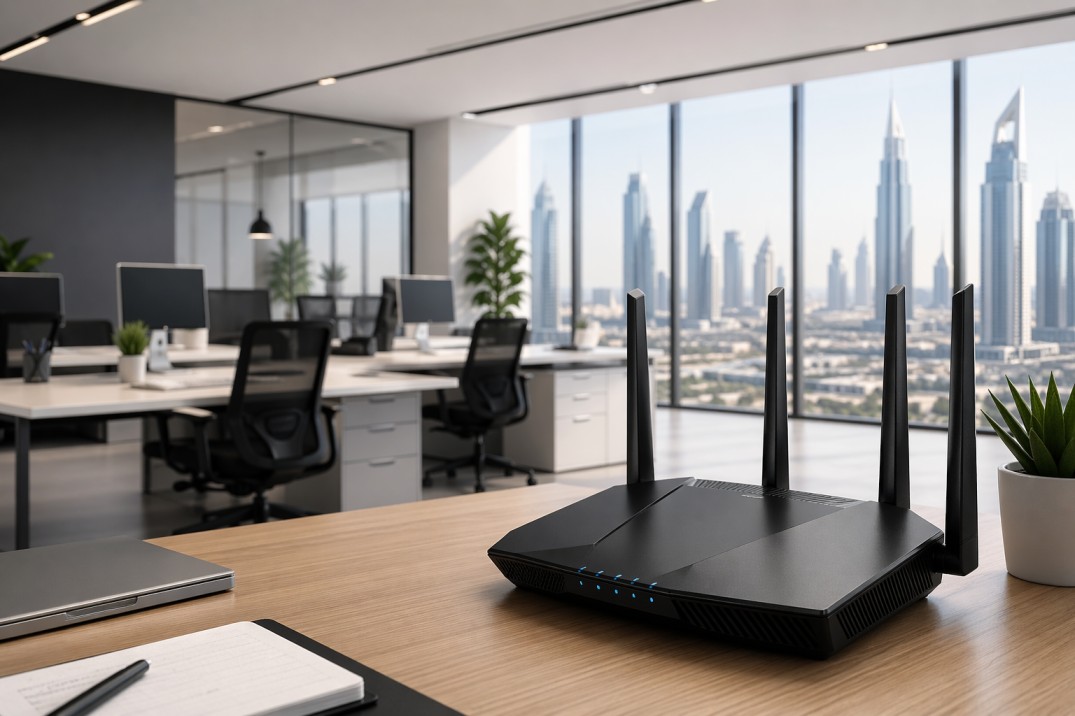
A business WiFi router is one of the most important parts of an office network. It decides how fast your team works, how stable video calls feel, how well files move across devices, and how safe your network stays.
For small businesses, the right router often comes down to four things: speed, security, flexibility, and the number of devices you need to support.
If your office is small, a strong single router may be enough. If your team works across multiple rooms, floors, or device heavy spaces, a mesh system or a router plus access point setup may be the better choice because it helps reduce dead zones and handle more connected devices.
A WiFi router connects your office to the internet and shares that connection with all your devices.
This includes:
Laptops
Phones
Printers
CCTV cameras
VoIP phones
In a business environment, a router must handle multiple users and heavy traffic at the same time.
You should upgrade your router if you face:
Slow internet speed
Frequent disconnections
Poor WiFi coverage
Video call issues
Too many connected devices
You also need a better router when your office depends on real time work. That includes
VoIP calling,
cloud applications,
shared drives,
CCTV,
printers, and
conference room systems.
In those cases, QoS support, VPN support, and stable wired ports become more important than just the top headline WiFi speed.
Here is the easiest way to understand the setup:
Internet
↓
Office Router
↓
PoE Switch
├── Ceiling Access Points
├── IP Cameras
├── IP Phones
└── Access Control Devices
This layout is common in business environments because it separates internet routing from device distribution.
A PoE switch can power access points and other devices through Ethernet, which reduces cable clutter and makes installation cleaner.
Gadgetly’s Ubiquiti Switch Lite 16 PoE and U6 Enterprise Access Point fit this kind of office design well.
You can also explore networking solutions here:
https://gadgetlyuae.com/product-category/networking-products/
The best office router is not always the most expensive one. It is the one that matches your space, your staff size, and your traffic pattern. For business use, the most useful features are strong security, enough Ethernet ports, good wireless standards, QoS, VPN support, and easy management.
A good router should also support modern WiFi standards. Wi Fi 7 brings wider channels, more capacity, and better support for dense environments, while Wi Fi 6 and 6E are still very practical for many offices.
Office type | Best setup | Why it works |
Small office with few users | High quality single router | Simple, cost effective, and enough for lighter use. |
Growing office with meetings and cloud apps | Router, PoE switch and access points | Better coverage, easier expansion, cleaner wiring. |
Large or multi room office | Mesh or multiple access points | Helps reduce dead spots and supports more connected devices. |
Security focused office | Business router with firewall, VPN, and QoS | Better control over traffic, remote access, and network safety. |
In case of small offices, a single high performance router will be good enough. In case of large offices with thick walls, many rooms, or even many floors, it might be better to use a mesh network since it provides better coverage.
On the other hand, there is another scenario where many businesses would benefit from a combination of office router and access points.
That is where access points like Gadgetly’s Ubiquiti U6 Enterprise become useful.
Before you buy, think about your office size, the number of users, and the devices that need stable internet.
Then check whether the router has enough Ethernet ports, supports secure access, and offers QoS or VPN features.
Also look for WiFi 6, 6E, or 7 depending on how future ready you want the network to be. These are the same core factors most business router guides mention again and again.
If your office also uses cameras, access points, or VoIP phones, consider a PoE switch as part of the setup. It can deliver both data and power over a single Ethernet cable, which simplifies installation and reduces clutter.
Gadgetly’s server and networking category is a useful starting point for office infrastructure planning.
Small Office : A single high quality router is enough.
Medium Office : Router + access points is better.
Large Office : Mesh WiFi or multiple access points is ideal.
Mesh systems help eliminate dead zones.
Conclusion: The best WiFi router for office UAE buyers is not just the fastest one on paper. It is the one that supports your real work: smooth meetings, secure data, stable coverage, and room to grow. If your office is small, a strong router may be enough. If your office is growing, a router plus access point setup with PoE is usually the smarter investment.
The best office router is the one that matches your team size, office layout, and security needs. For small offices, a strong router with good security and QoS is usually enough. For larger offices, a router plus access points or mesh is often better.
A home router may work for very small offices, but business routers are designed with better security, management, and traffic handling in mind. Cisco, Verizon, and HPE all frame business routers around growth, security, and multi user performance.
Wi Fi 7 is worth considering if you want a more future ready setup, especially in a busy office with many devices. Cisco says Wi Fi 7 improves capacity in dense environments, and its 320 MHz channel support is one of the major technical gains over earlier standards.
Mesh would be a wise choice due to its easier full coverage capacity; however, access points would be a more favorable option in office environments due to their increased flexibility and compatibility with PoE switches.
The most critical aspects include QoS, steady bandwidth capacity, reliable security, and dependable wired connections. Business oriented networking experts always recommend routers based on QoS capabilities and VPN support.
Use access points or a mesh system instead of a single router. That said, both types are designed to enhance coverage, but the access points are more relevant in an office setting where there are ceilings, corridors, and different rooms.
Not always, but it becomes very handy when you add ceiling access points, IP cameras, or IP phones. A PoE switch is sending data and power over one cable, which makes office installations neater and easier to manage.
ABOUT US
Gadgetly is an IT trading company based in the UAE supplying computer systems, networking products, peripherals, and technology accessories across the region. Through our online platform, customers can source genuine IT products with reliable delivery options and competitive pricing.

Gadgetly ©2026 . All Rights Reserved. TL No – 2306964
Get an instant 10% off on 1st Purchse